

Prerequisites
Before starting the UI, make sure the Agent Control server is already running. If you haven’t set it up yet, follow the Quickstart first. You also need:- Node.js 20+ (CI uses 20; 18+ may work)
- pnpm 9+ — install from pnpm.io or run
corepack enable && corepack prepare pnpm@latest --activate
Note: If you started the server using One-line setup from the Quickstart, the UI is already running at http://localhost:4000. You can skip the setup steps below and jump directly to viewing the dashboard.
Start the UI Server
Install and start the dashboard
From the root of the The dashboard is now running at http://localhost:4000.
agent-control repository, run the following commands in a separate terminal:Verify the dashboard is running
Open http://localhost:4000. You should see an empty state — this is expected before any controls are registered.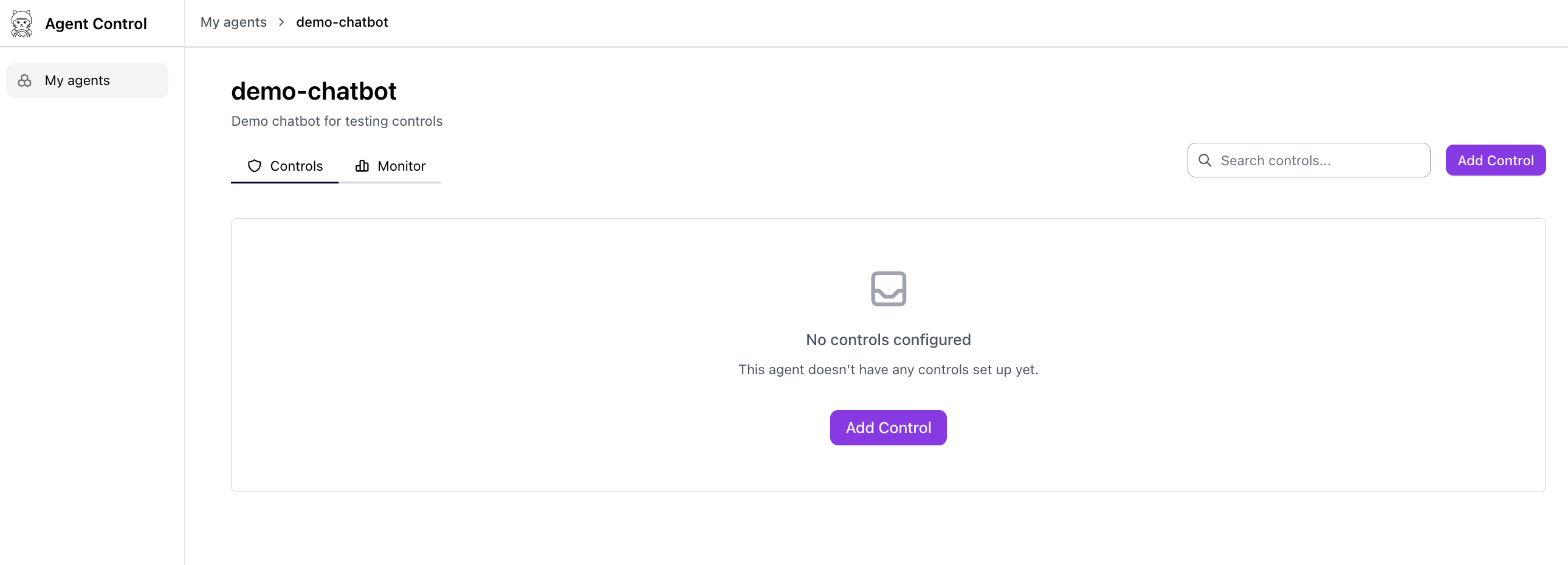
Create Controls from the UI
You can create controls directly in the dashboard — no scripts or SDK code required.Add a new control
Click the Add Control button from the controls page to start creating a new control.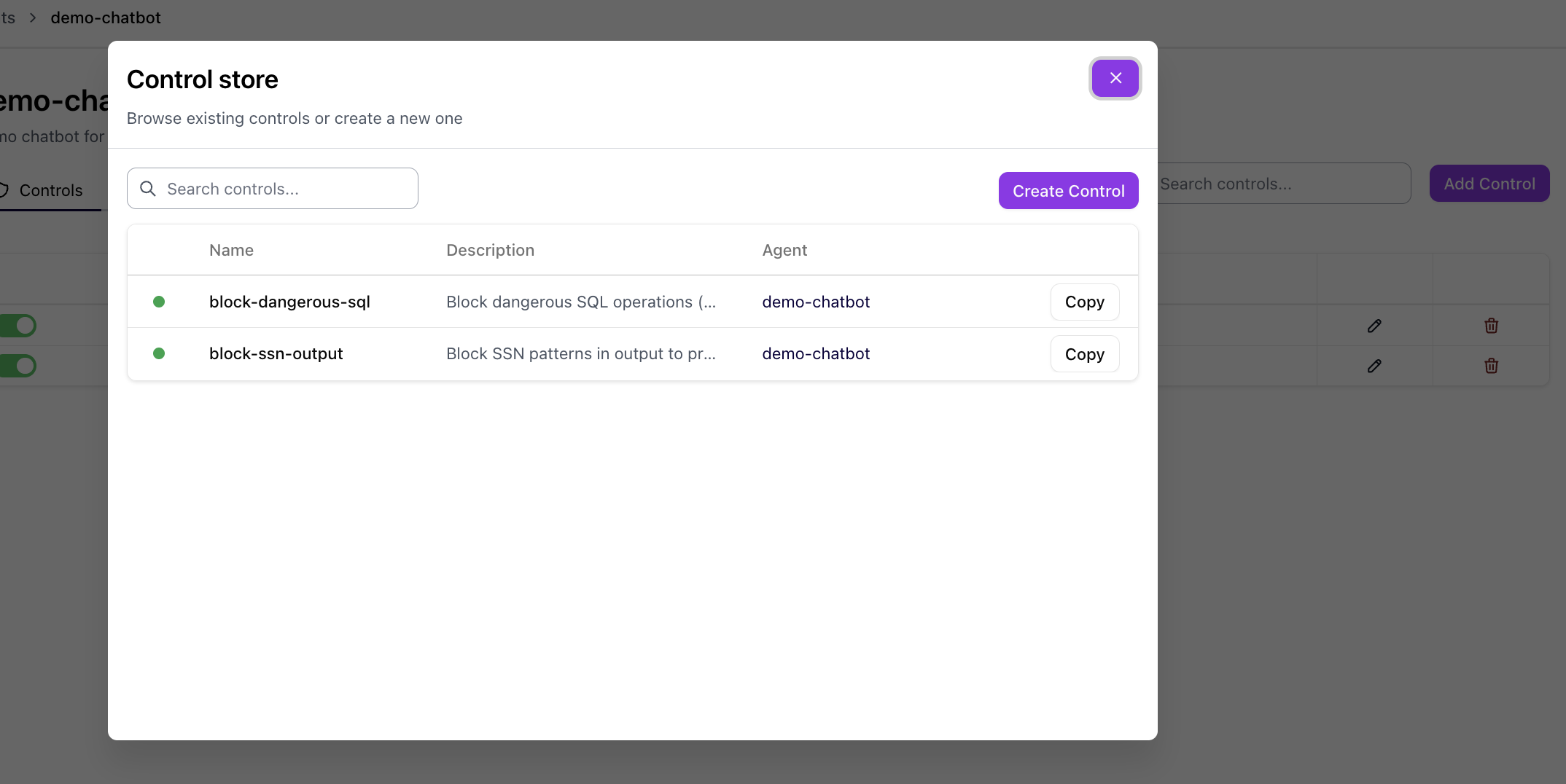
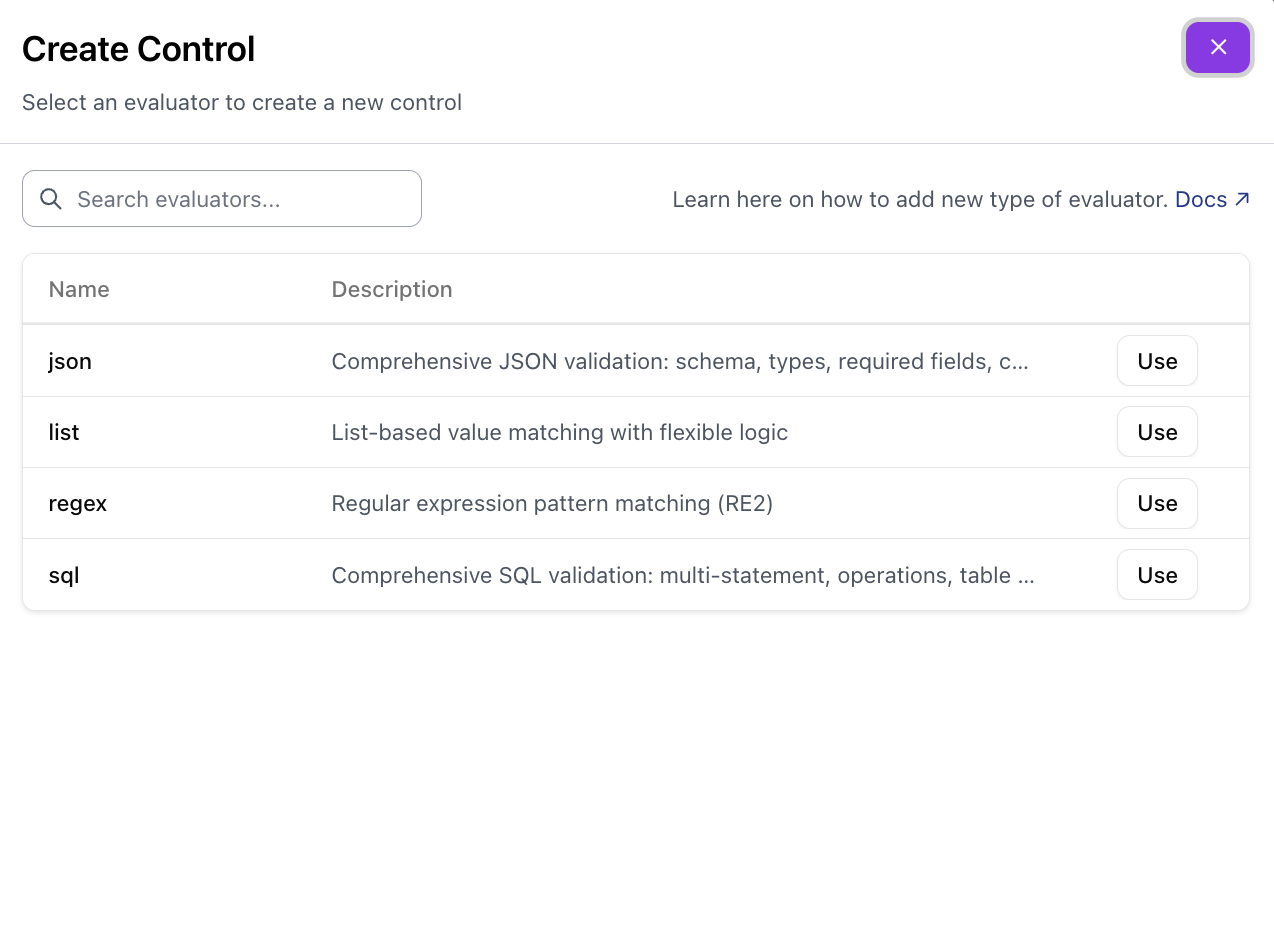
Configure the control
Fill in the control details. See Controls for a full explanation of each field.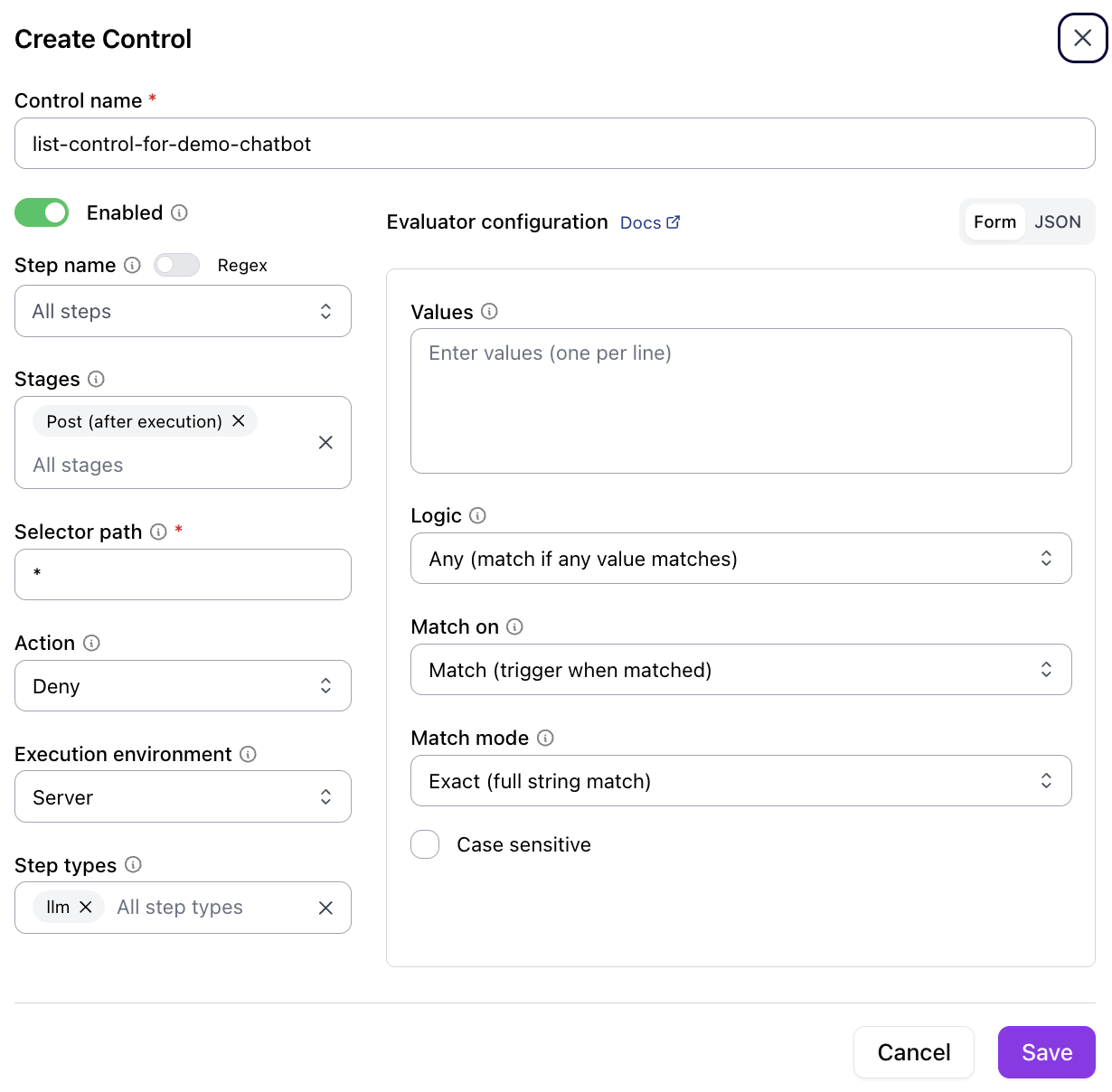
Click Save to register the control. It takes effect immediately — no redeployment needed.
| Field | Description |
|---|---|
| Control name | A unique identifier for the control |
| Enabled | Toggle the control on or off |
| Stages | When to evaluate — Pre (before execution) or Post (after execution) |
| Selector path | The data path to evaluate (for example, * for all fields) |
| Action | What happens on a match — Deny blocks the request |
| Execution environment | Where evaluation runs — Server or Client |
| Evaluator configuration | Type-specific settings (values, logic, match mode, case sensitivity) |
Regenerate API Types (Optional)
If you update the server API and need fresh UI types, regenerate them from the running server:Monitoring
The monitoring dashboard shows real-time control activity across all agents: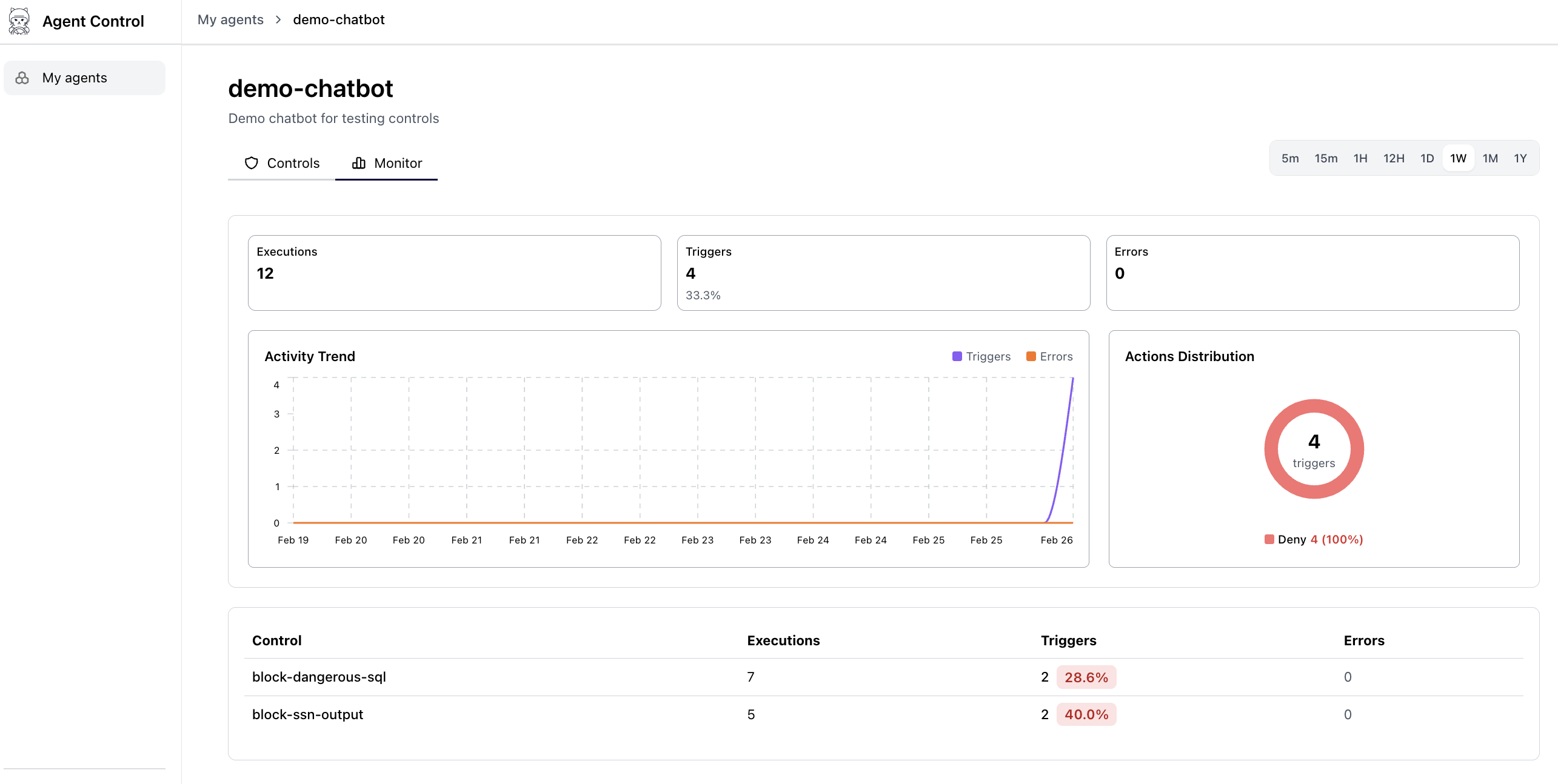
- Total evaluations — Requests processed per control
- Block count — Requests denied per control
- Pass/block ratio — Visual breakdown of allowed vs. blocked operations
- Activity timeline — Recent evaluations with timestamps
Monitoring data populates as agents process requests. Run the Agent Control Demo to generate sample data: